Saving Duplicate Albums in GP-33
What it is
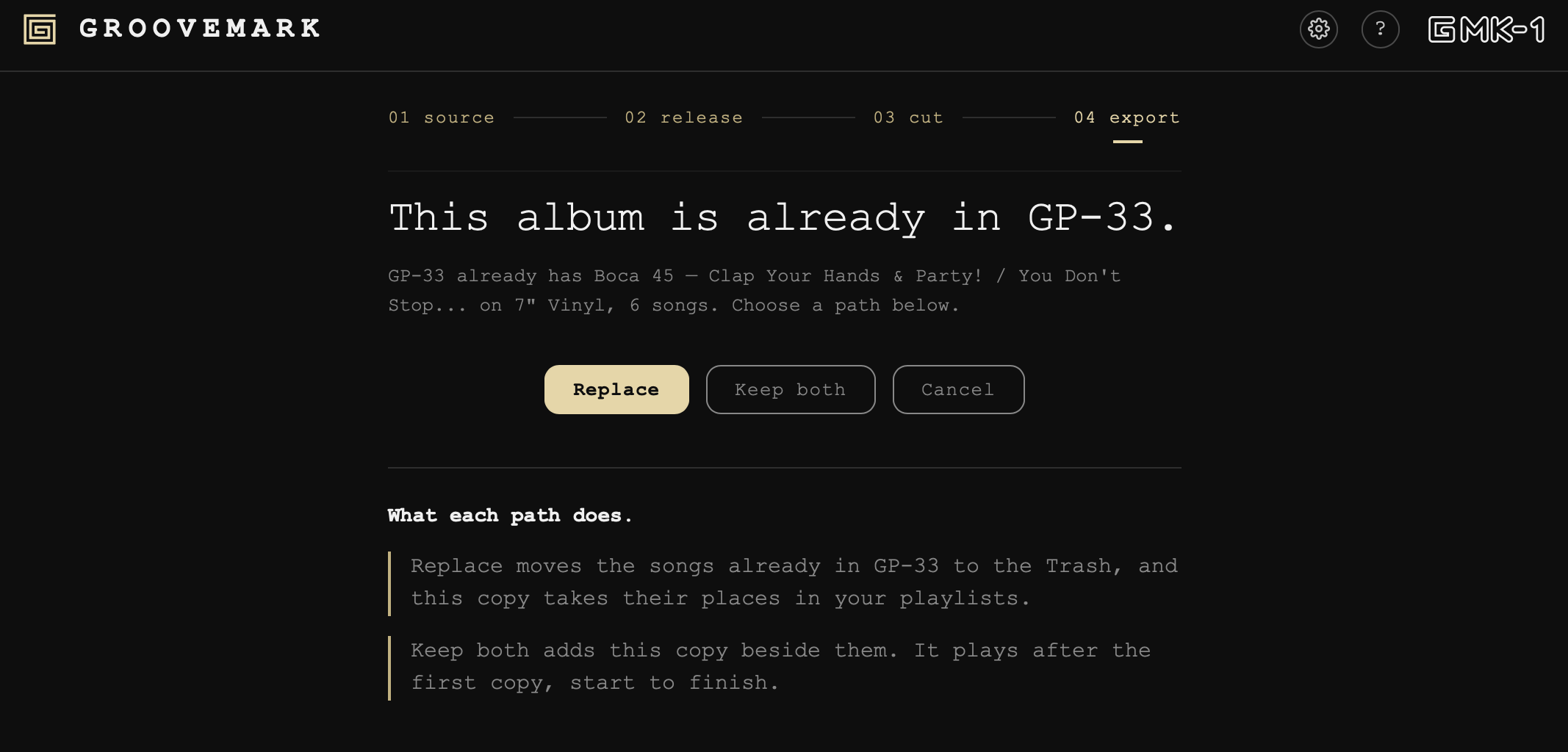
When you save an album from Groovemark into GP-33 and it already exists, we stop and ask one of three paths:
- replace
- keep both
- cancel
Replace
The songs already in GP-33 move to your Mac's Trash - the new files replace them.
If an old song sat in a playlist, the new song takes its place.
Keep both
The new copy goes in beside the one you have. Its files get a "(2)" at the end of their names. Everything else about them is the same, apart from the date they were added.
In GP-33 the copies play one after the other, each start to finish, never track 1, track 1, track 2.
Cancel
You go back to the Done screen with the album still ready to save. Save it somewhere else, or come back to it later.
What we never do
We never overwrite a song, and we never quietly drop the copy you're saving. Nothing leaves your Mac, and your original recording is never touched.
Still need help? hit us up.