Finding your album
What album is this? tells Groovemark which album your recording is.
There are three ways to tell Groovemark what album you uploaded.
- Search
- URL
- Custom
1. Search
Enter the Artist and Album, and pick Vinyl or Cassette: results show only that format. Year and Country are optional; a country puts matching pressings first. Press Search.
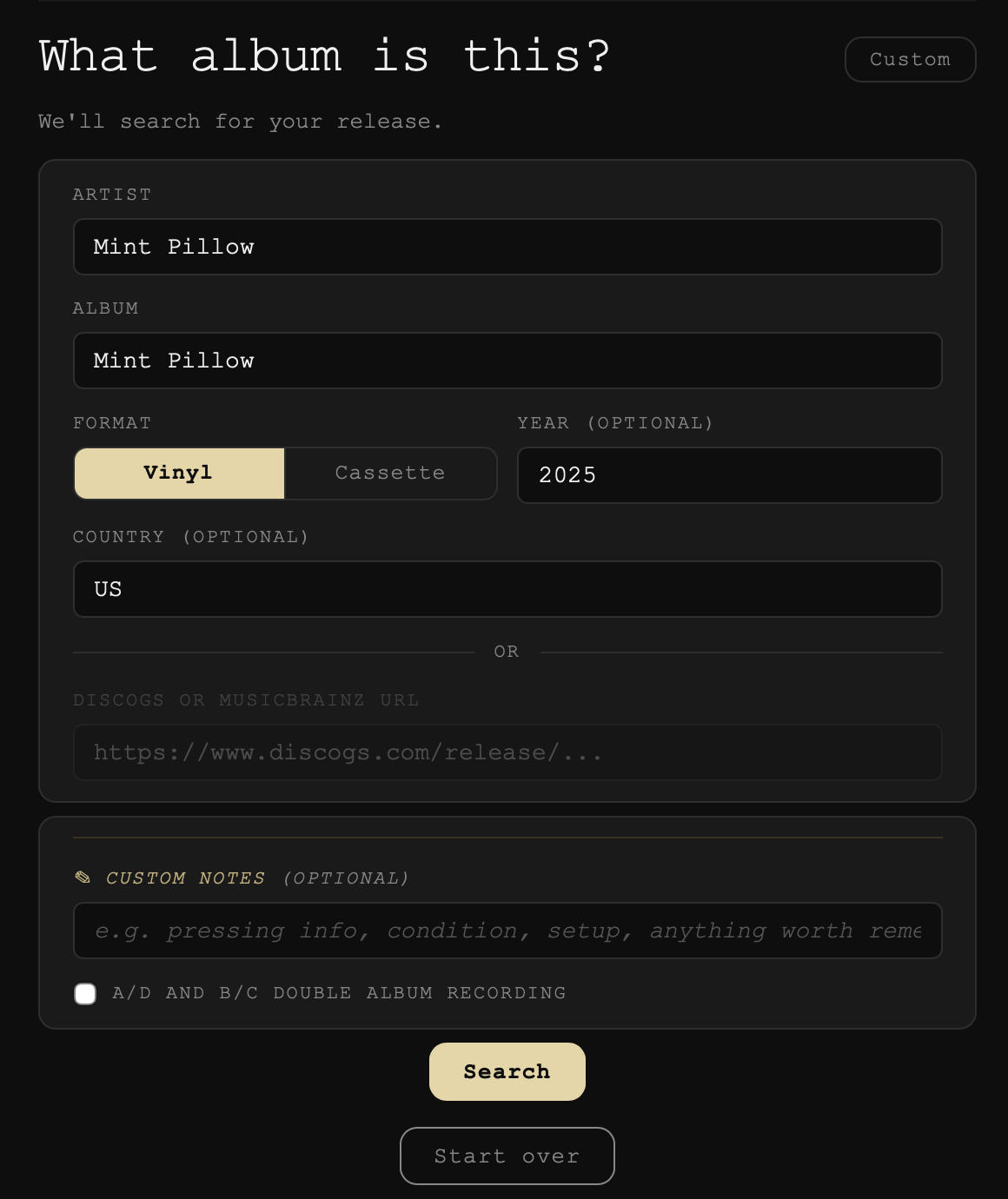
On Which release is this?, click a result to see its tracks, then press This is the one. Pressings can differ in track order and even in how many tracks they hold, so pick the one that matches yours. If none of the results is yours, Not the right one? lets you switch to a link.
2. Paste a link
Instead of searching you can paste the album's release page from Discogs or MusicBrainz into the link box. This will ensure your exact pressing is the one we're cutting the tracks to.
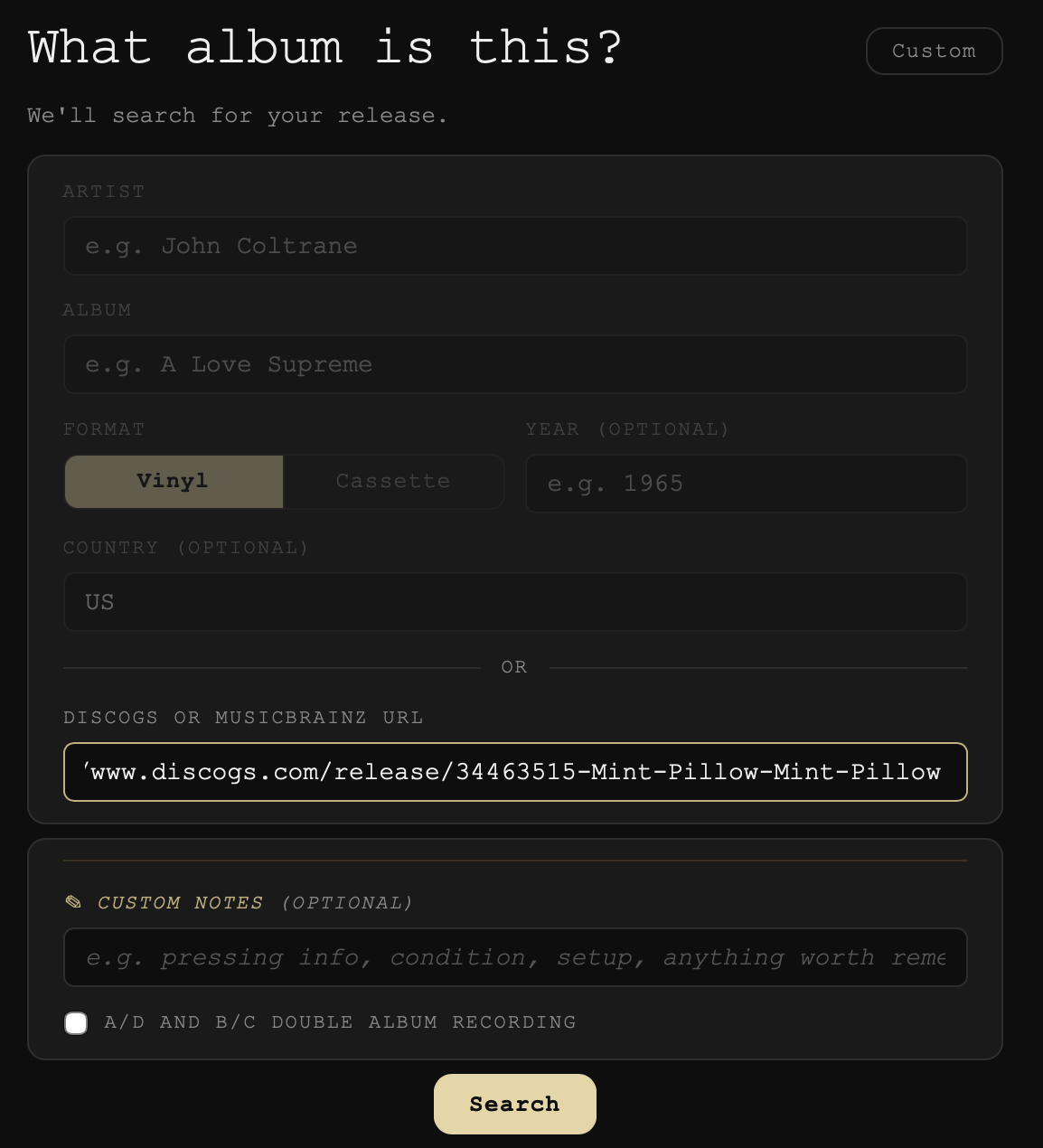
3. Name it yourself (Custom)
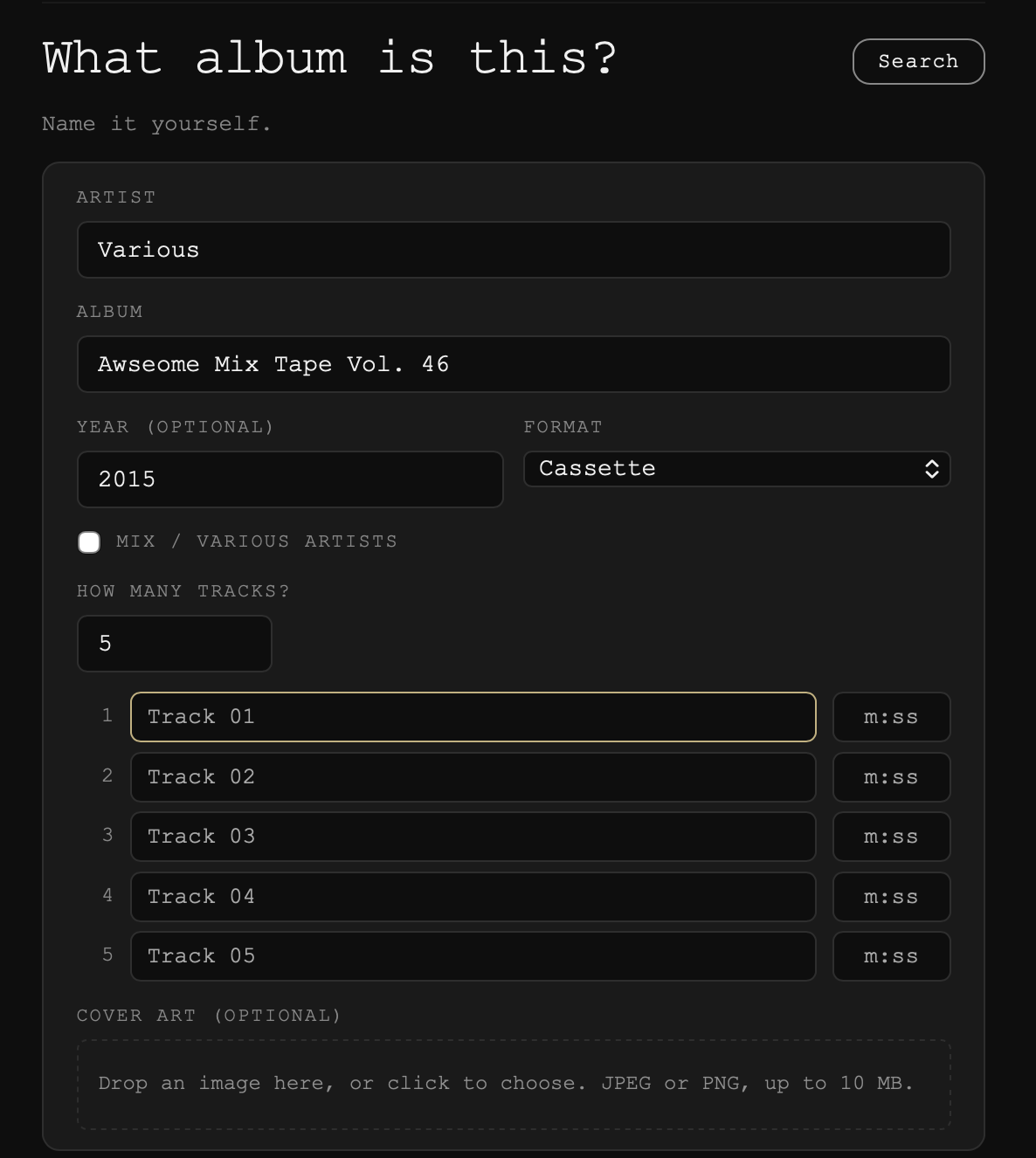
For an album no database has, like a mixtape or a one-off, press Custom. Fill in the Artist, Album and Format, then How many tracks?, the one thing Groovemark must have. Name the tracks if you like. Lengths help only when every track has one. A Mix / various artists box and Cover art are there if you need them.
Custom notes
Optional: anything worth remembering, like the pressing, its condition or your setup. It's written into every file's comment tag.
A/D and B/C double albums
Some older double albums were cut for record changers, so disc one holds sides A and D. If you recorded yours in that playing order, tick A/D and B/C double album recording. See A/D and B/C double albums.
Next
Groovemark reads the recording, then opens Refine. See Refining the cuts. Now and then a card stops first to ask you something: track lengths don't match, a bonus record, the recording looks shorter or side order.
Still need help? hit us up.