Uploading your recording
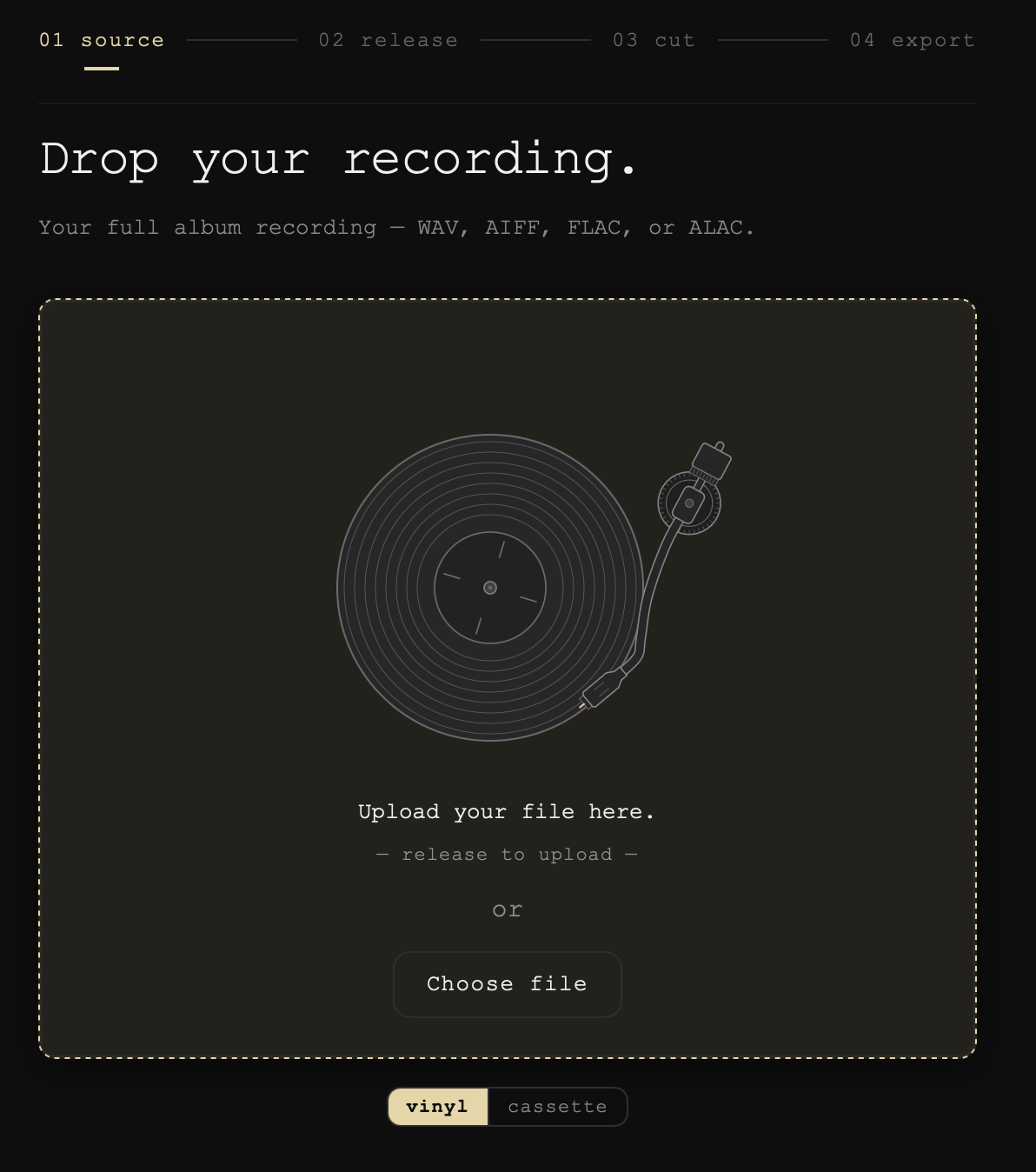
The first screen, Drop your recording., takes your whole album as one file. Drag it onto the drop zone, or press Choose file and pick it.
What it takes
WAV, AIFF, FLAC or ALAC. Lossless only: an MP3 or AAC is turned away with a line saying what would work. What goes in lossless comes out lossless.
One file, the whole album
Every side, in one recording, trimmed by the 3 required rules. See Preparing your recording for Groovemark.
It stays on your Mac
"Upload" here means handing the file to Groovemark, not sending it anywhere. Groovemark works on a copy; your original file is never changed.
Vinyl or cassette
The switch under the drop zone picks which machine greets you. It changes nothing about your recording.
Next
Once the file is in, Groovemark moves on to What album is this? by itself. See Finding your album.
Still need help? hit us up.